Choose clipboard history when you need to recover a recent copy. Choose PasteItAll when you want a curated, searchable library of content that remains useful across projects and weeks.
Two product models
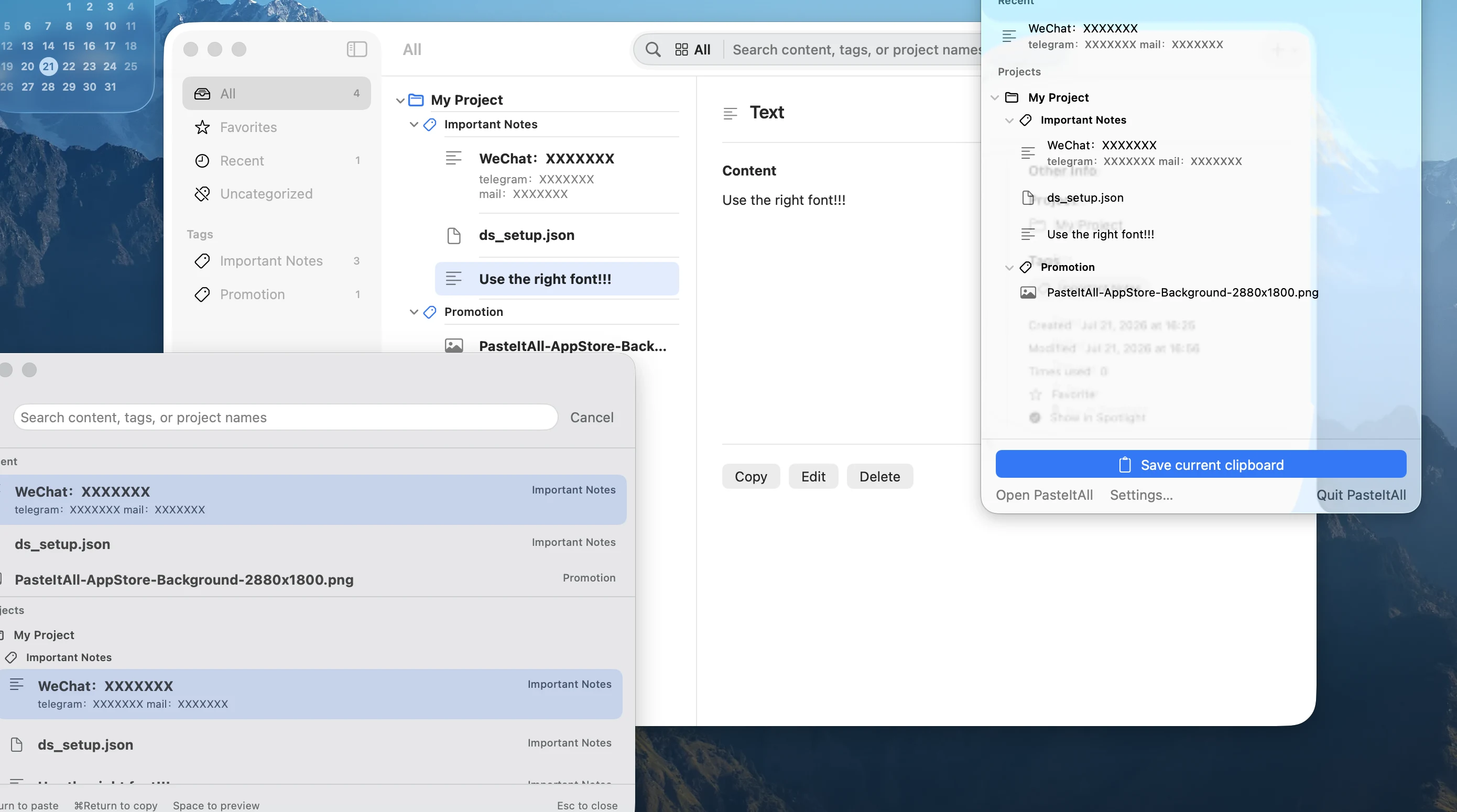
| Dimension | PasteItAll | Typical clipboard history |
|---|---|---|
| Collection | Deliberate save or import | Usually records recent copies automatically |
| Primary goal | Long-term organization and reuse | Recover a recent copy |
| Content | Text, links, images, and files | Varies by product |
| Structure | Projects, tags, favorites, search | Usually chronological |
| Background behavior | No clipboard polling or monitoring | Varies by product |
| Entry points | Quick Picker, menu bar, Spotlight, Services | Varies by product |
This table compares product models rather than judging every clipboard manager. Check each product’s current documentation and privacy policy.
When does PasteItAll fit?
- You reuse a stable set of content across weeks or projects.
- You prefer curating before saving so the library stays readable.
- You need projects and tags for release copy, links, images, or files.
- You want clipboard access to follow an explicit action.
When is history more useful?
For “what did I copy a few minutes ago?”, a chronological history is usually the direct model. PasteItAll focuses on “what deserves to remain useful later?”
You can use both
History can handle short-term recovery while PasteItAll handles long-term curation. Select genuinely reusable items from recent activity, then deliberately save them into a structured library.
This division preserves PasteItAll’s simple boundary: copying something does not automatically turn it into long-term data.
Keep what deserves to stay.
Save 7 items free. Requires macOS 15 or later.
View on the Mac App Store