
01 / Save
Keep only what matters
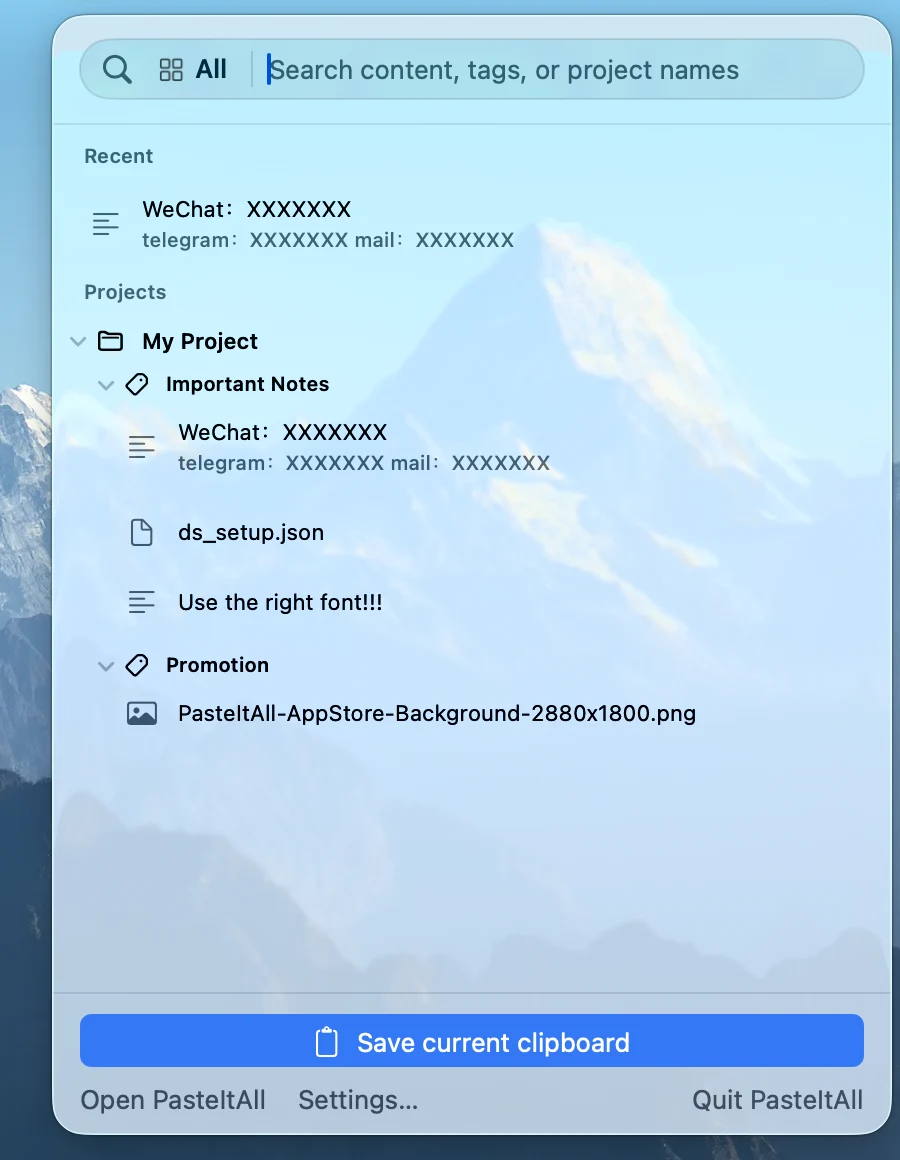
Press ⌃⌥S to save the current clipboard, or start from the main window, menu bar, or a supported macOS Service.
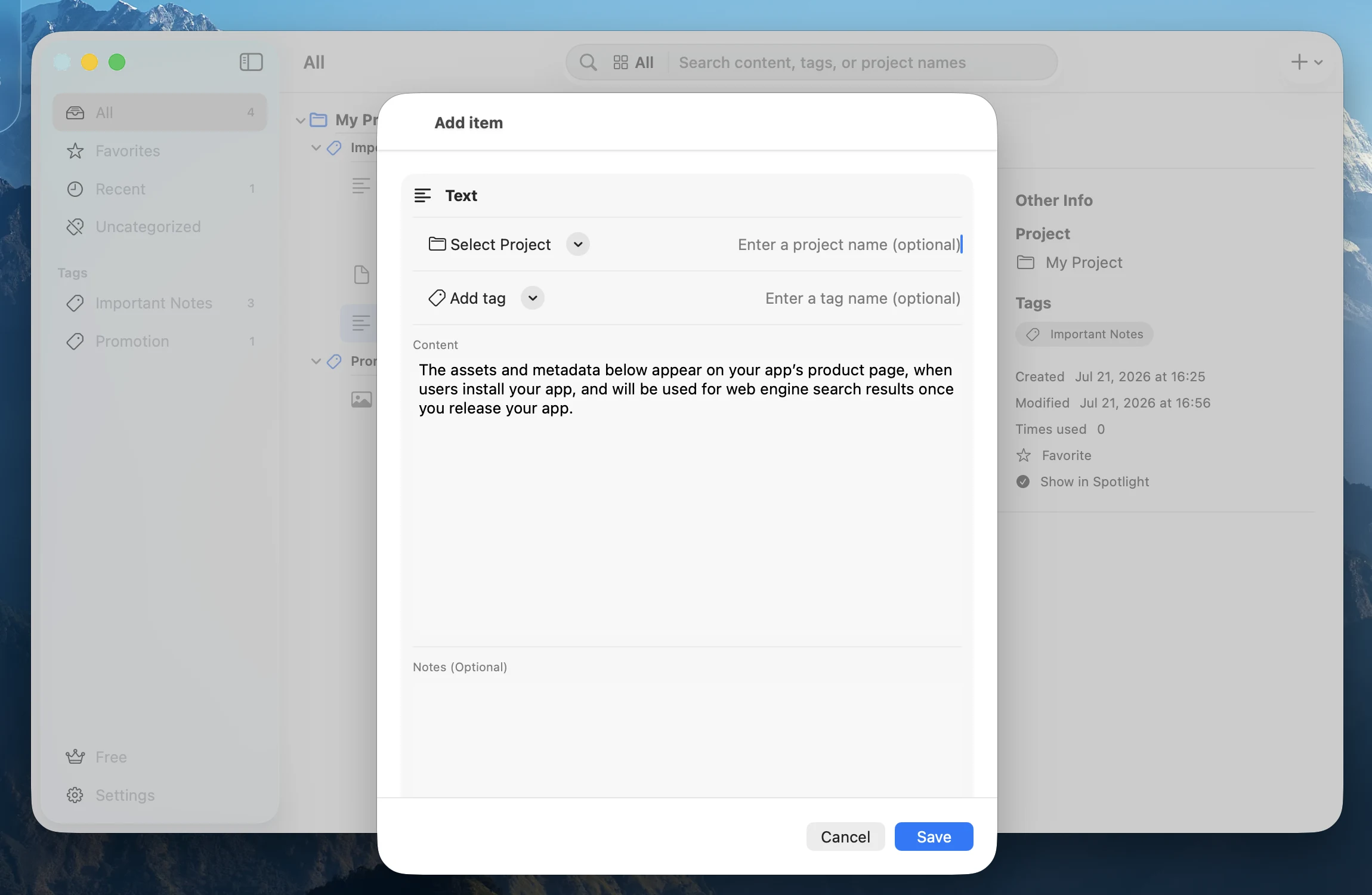
Text, links, images, and files share one library. Projects, tags, notes, and favorites give every item a home from the start.
02 / Organize
Project → Tag → Content
A three-level structure keeps reusable material close to the work it belongs to. Search project names, tags, text, notes, links, and filenames.
Favorites and recent use bring frequent items forward, while Spotlight indexing remains under your control.
03 / Quick Picker
Stay inside the work
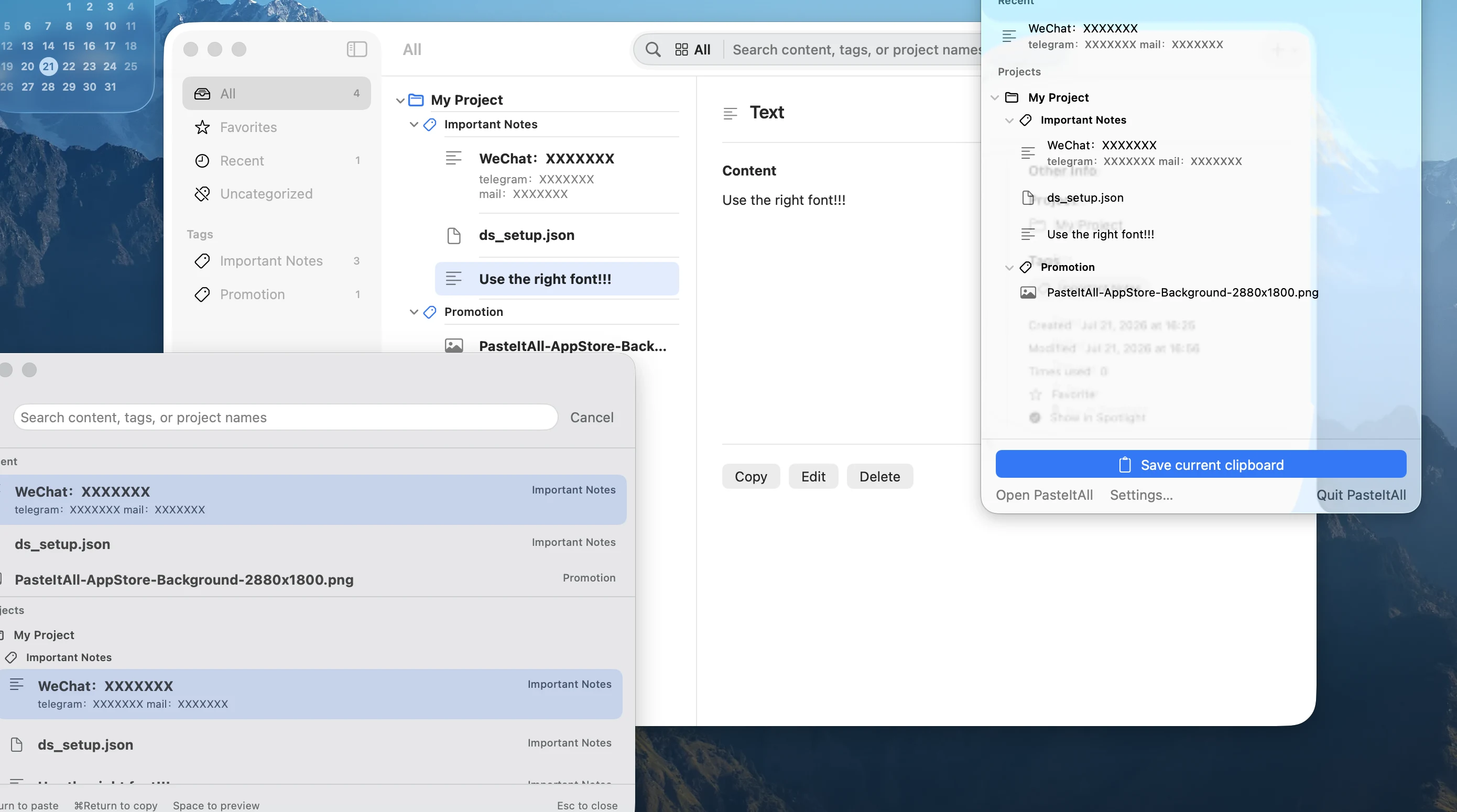
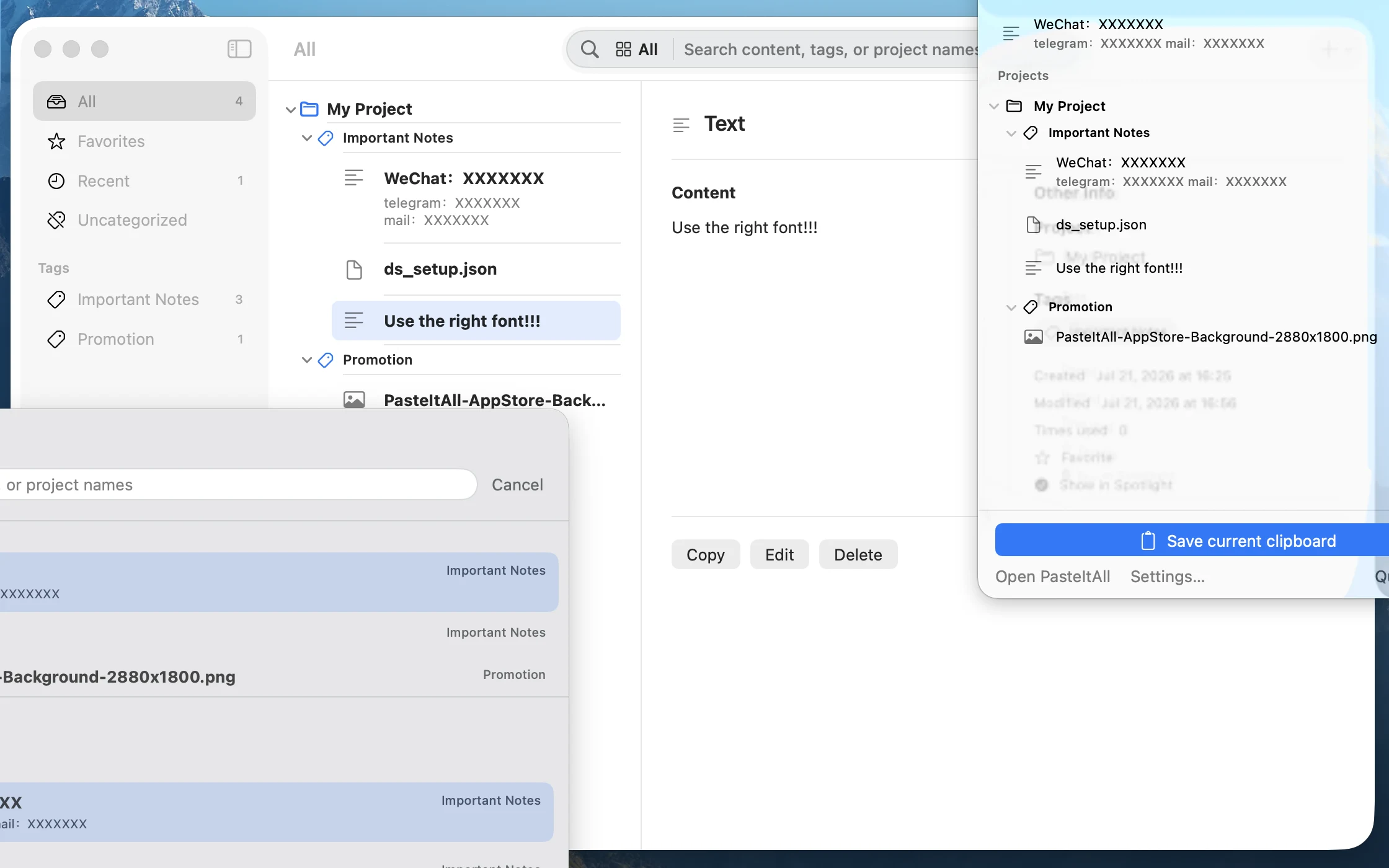
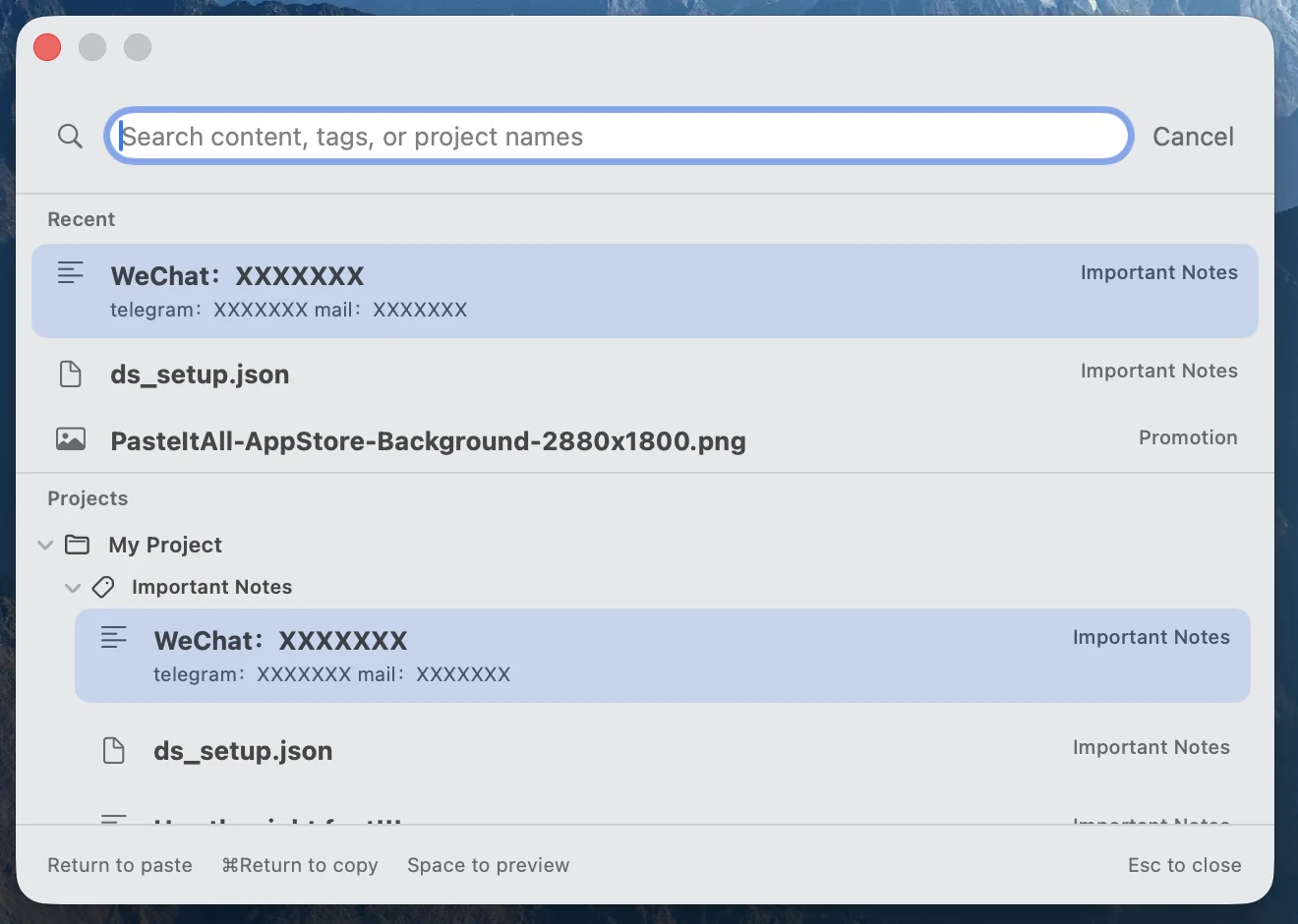
Press ⌃⌥Space and Quick Picker appears in the current workspace. Type to search, move with the arrow keys, and press Return to use the selection.
Press Space to preview a file or ⌘Return to copy only. When the panel closes, focus returns to the most recent app.
04 / Retrieve
Meet your library where Mac already works
The menu bar, global shortcuts, Spotlight, and macOS Services all lead back to the same library.
Service placement and supported types are controlled by each host app. Global shortcuts and the menu bar remain reliable entry points.